
Welcome to BYOND Secure
Let’s get your BYOND Secure device connected.
No IT experience needed. Follow the simple steps below.
Simple setup
No technical experience required
Help is available
Before You Begin
Find a comfortable place near your internet connection and make sure you have the items below.

BYOND Secure device

Power adapter

Ethernet cable
Your equipment may look slightly different from the images shown.
1
Step 1: Connect Power
- Plug the power adapter into your BYOND Secure device.
- Plug the other end into a power outlet.
- Wait while the device starts.

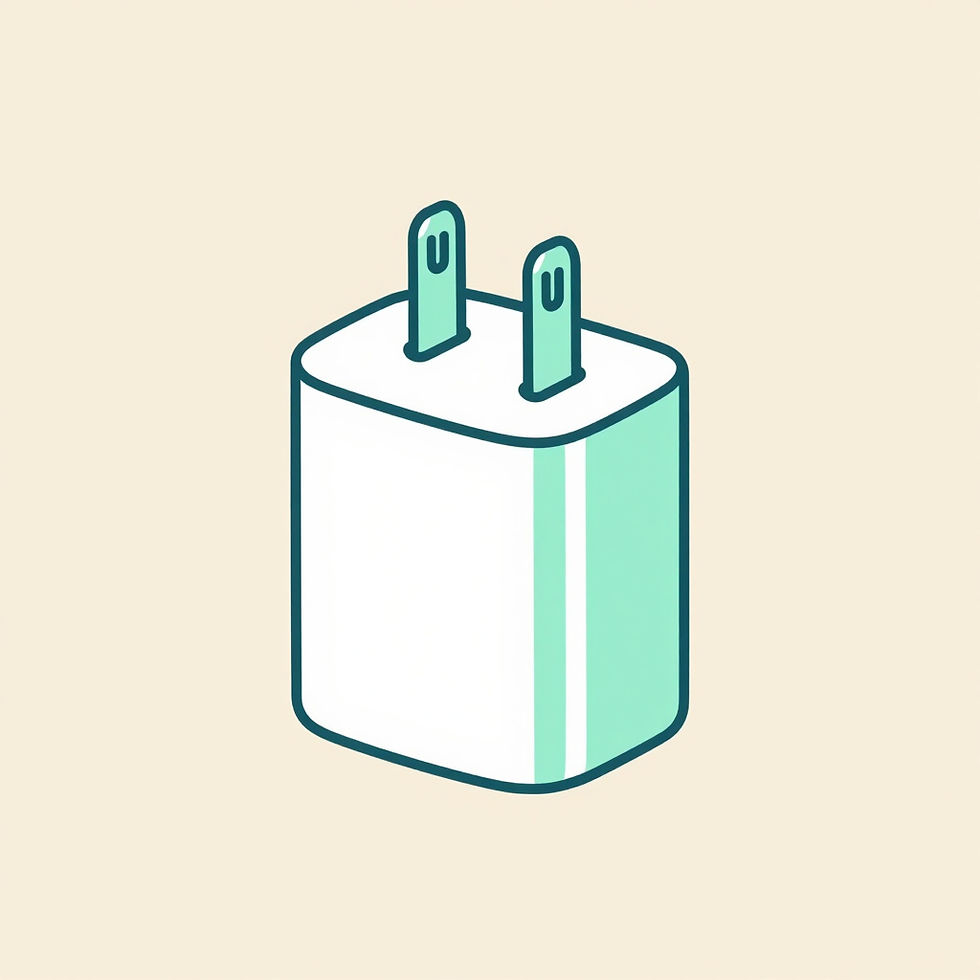

Startup may take a few minutes.
2
Step 2: Connect to the Internet
You can connect using an Ethernet cable or Wi‑Fi, depending on instructions from your organization.
Use an Ethernet Cable
- Connect one end of the Ethernet cable to your existing internet equipment.
- Connect the other end to the BYOND Secure device.
Internet equipment → BYOND Secure → Your devices
Use Wi‑Fi
- Your organization may provide separate instructions for connecting BYOND Secure to Wi‑Fi.
- Keep the device powered on and follow the Wi‑Fi instructions provided with your equipment.
Not sure which option to use? Check the instructions included with your device or contact support.
3
Step 3: Connect Your Phone, Computer, or Other Device
- Open the Wi‑Fi settings on your device.
- Select the BYOND Secure network provided by your organization.
- Enter the password provided with your equipment.
Laptop or Computer
- Open the Wi‑Fi menu on your computer.
- Select the BYOND Secure network provided by your organization.
- Enter the password provided with your equipment.
Wired Device
- Connect the device to BYOND Secure using an Ethernet cable.
4
Step 4: Make Sure It Is Working
- Your phone or computer shows that it is connected.
- You can open a website.
- Your normal internet connection is working.
- The BYOND Secure device remains powered on.

You’re Connected
Your device is now using the connection provided through BYOND Secure.
Having Trouble?
Tap a question below to see quick fixes.
The BYOND Secure device does not turn on
- Check that the power adapter is fully connected.
- Try a different power outlet.
- Make sure you are using the power adapter included with the device.
I cannot find the BYOND Secure Wi‑Fi network
- Wait a few minutes for the device to finish starting.
- Move closer to the BYOND Secure device.
- Turn Wi‑Fi off and back on from your phone or computer.
I am connected, but the internet does not work
- Check that your normal internet service is working.
- Make sure all cables are fully connected.
- Restart your existing internet equipment, then restart the BYOND Secure device.
The connection stopped working
- Unplug the BYOND Secure device from power.
- Wait 15 seconds.
- Plug it back in and allow it to restart.
I still need help
- Have the BYOND Secure device nearby when contacting support.
- Be ready to provide any label, serial number, or identifying information printed on the device.
Need Help?
You do not have to figure it out alone. Contact BYOND Secure support and we will help you through the setup.
Frequently Asked Questions
Do I need IT experience?
No. The setup is designed for everyday users.
Does BYOND Secure replace my internet service?
No. It works with an existing internet connection.
Can I use BYOND Secure with my phone and laptop?
Yes. Compatible devices can connect using Wi‑Fi or Ethernet, depending on the setup provided by your organization.
Can I move the device?
Yes, but it may need to be reconnected when used in a different location.
How long does setup take?
Most users should be able to complete the basic physical setup in a few minutes. Startup and internet connection time may vary.
Simple connectivity. Stronger protection.